AI has made it much easier to create a website, landing page or digital journey live.
That is clearly a useful thing. Teams can move faster, get ideas out of their heads and into something usable, create content at scale, build campaign pages, update journeys and test concepts without the same level of time or resource that used to be needed.
For businesses under pressure to do more with less, that is a significant shift. It changes what teams can produce and how quickly they can respond.
This speed, however, comes with an important challenge. Building something faster does not automatically mean it works better for the people using it. Not whether it looks finished, not whether it technically exists, not whether the copy reads well enough internally. What actually matters is whether customers can use it properly, understand it, trust it and complete the thing they came to do. That is the bit that can get missed.
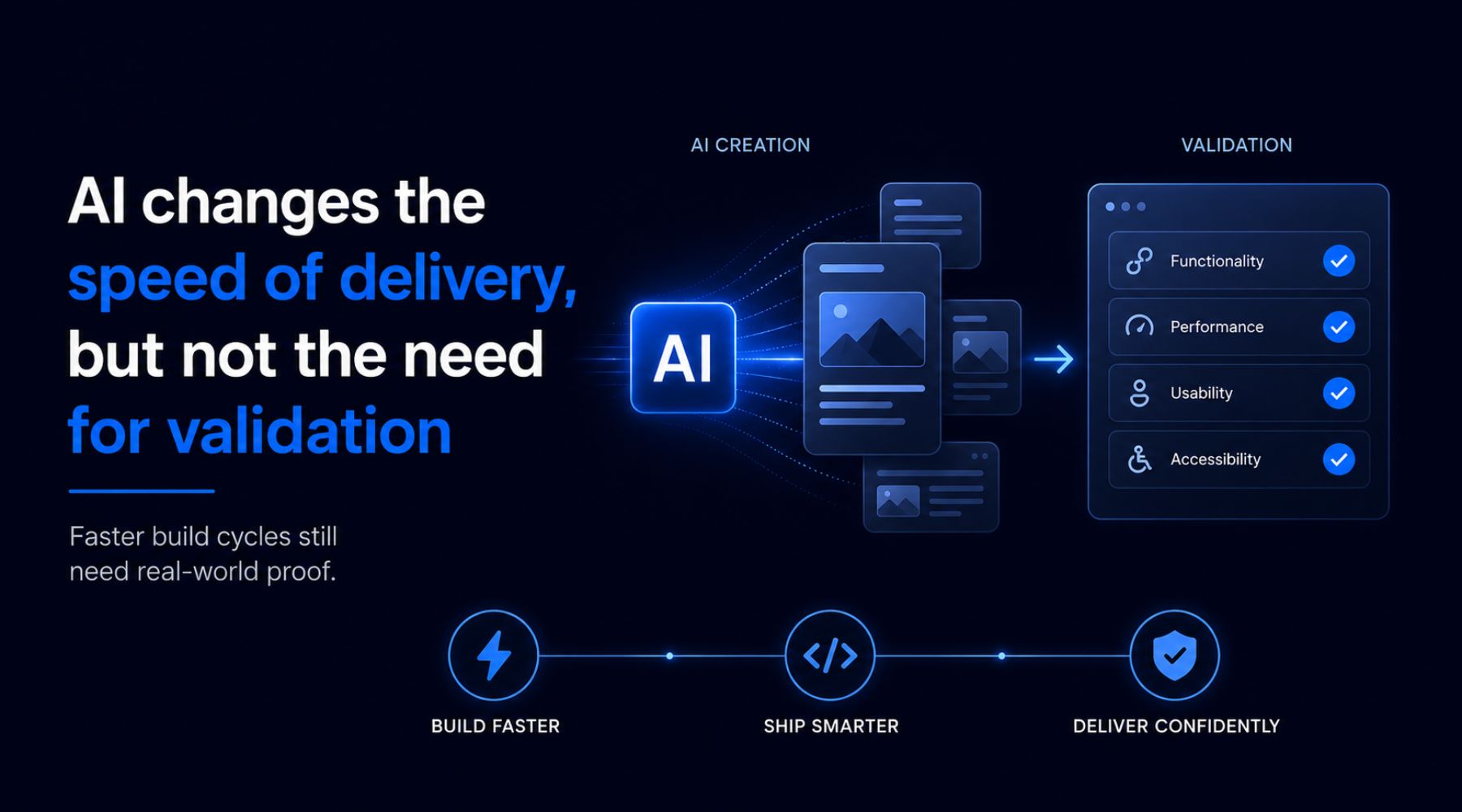
AI changes the speed of delivery, but not the need for validation
The issue is not whether teams should use AI. They already are, and in many cases they should be. AI can help with early structure, content, design ideas, user flows, product information, support content and even code. It can take a lot of friction out of the build process.
But building something faster does not automatically make it better for customers.
A page can be generated quickly and still be unclear. A form can look simple and still confuse people. A product journey can seem logical to the internal team and still create hesitation for a customer. An AI-powered assistant can feel impressive in a demo but be unhelpful when someone is trying to choose the right product, solve a problem or complete a purchase.
That is where the distinction matters. AI can help create the experience. It cannot prove the experience is good.
What’s the best way to validate AI features?
The most effective approach combines automated checks with real-user testing to ensure both technical accuracy and strong user
The real risk is assuming “built” means “ready”
One of the bigger risks with AI-assisted delivery is that the output can look more complete than it really is.
A page may have the right headings, the right buttons and a layout that looks polished enough to launch. A chatbot may answer questions in a way that sounds confident. A recommendation flow may produce suggestions. A product page may have all the content fields filled in.
On the surface, it looks like progress. And it is progress. But customers do not judge the process that created the experience. They judge what happens when they try to use it.
They may be on a mobile device, in a rush, comparing options, unsure what to buy, working with an accessibility need, using an older browser, or trying to complete a task from a different country or context.
That is normally where the problems appear. Not always as major failures, but as small pieces of friction that affect whether someone carries on or drops out. For example:
- The button is not where they expect it to be.
- The wording creates doubt.
- The support answer does not quite resolve the question.
- The form error is unclear.
- The delivery information is hard to find.
- The recommendation does not feel relevant.
- The checkout behaves differently on a real device than it did in testing.
Individually, these can sound minor. But commercially, they are not.
AI evaluation should look at the whole customer journey, not just the feature
A lot of businesses are now looking at AI inside the customer experience itself. That might be an AI shopping assistant, a chatbot, a product finder, a recommendation engine, a support tool, a self-service journey or personalised content.

The mistake would be to test these only as technical features. The real question is not simply, “does the AI respond?” It is whether the AI helps the customer do what they came to do.
- Does it reduce effort, or add another step?
- Does it make the choice clearer, or give generic answers?
- Does it build confidence, or make the customer question the brand?
- Does it know when to hand over to another route?
- Does it handle the awkward edge cases that real customers bring?
A technically working AI feature can still be a poor customer experience. That is especially true in ecommerce, where customers are often trying to narrow choices, compare products, understand delivery and returns, check sizing, resolve doubts or move through checkout without friction. If the AI layer does not genuinely support those moments, it can become another thing the customer has to work around.
This is why testing AI-powered journeys needs to look beyond whether the technology functions. It needs to look at whether the journey works from the customer’s point of view.
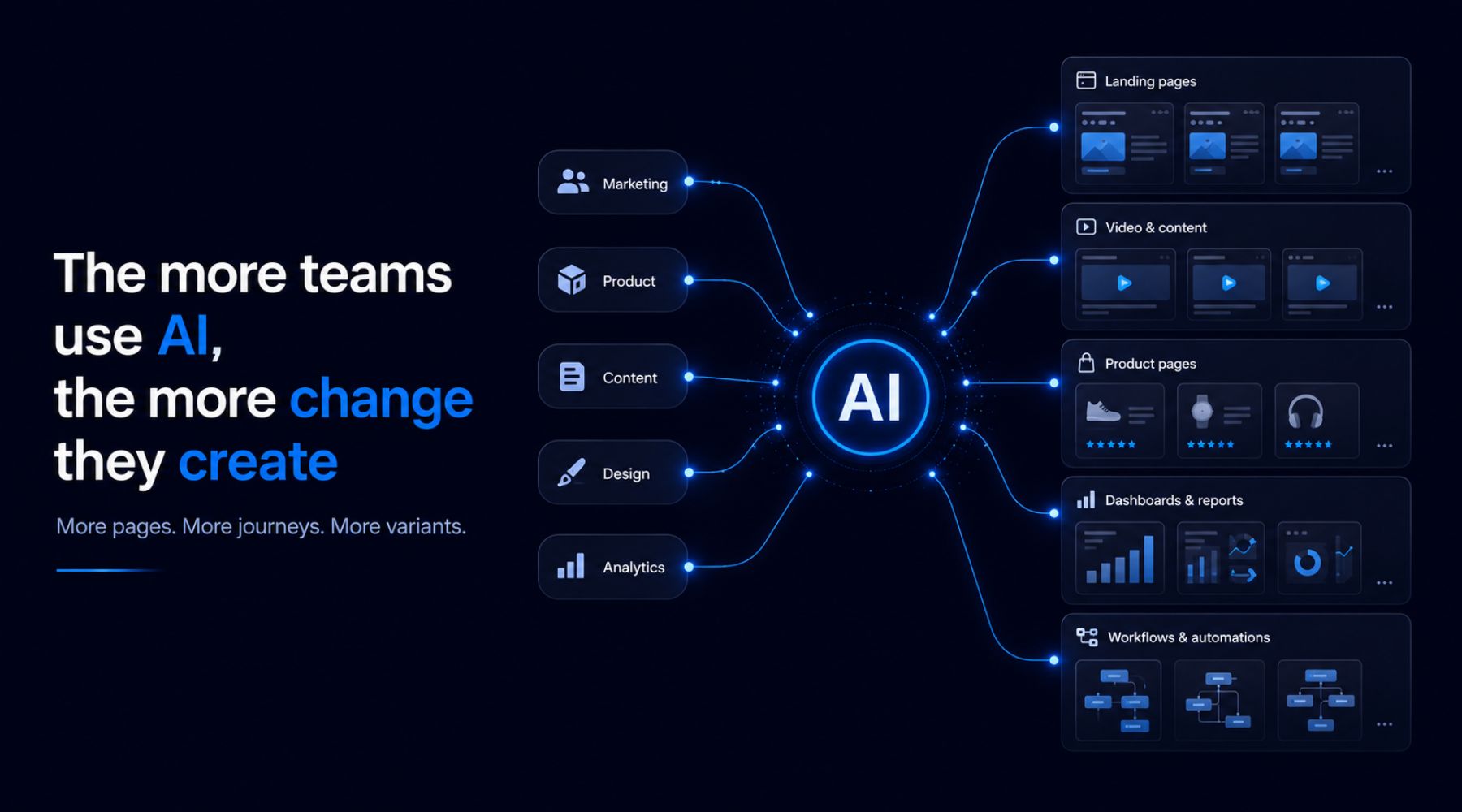
The more teams use AI, the more change they create
This is one of the most important points for digital teams. AI does not just help produce one page faster. It increases the amount of change a business can push into its digital estate.
More landing pages, more product copy, more campaign journeys, more support content, more test variants, more personalisation, more AI-led recommendations and more frequent updates to the customer experience.
That can be a huge advantage, but only if the business has a way to understand what is working and what is creating risk. Otherwise the build side speeds up and the validation side stays the same. That is where problems start to appear. Teams can launch more, but they do not necessarily know more. They can move quickly, but they may also push more untested friction into live customer journeys.
This is not about slowing teams down. It’s about making sure speed does not come at the expense of quality, trust or conversion.
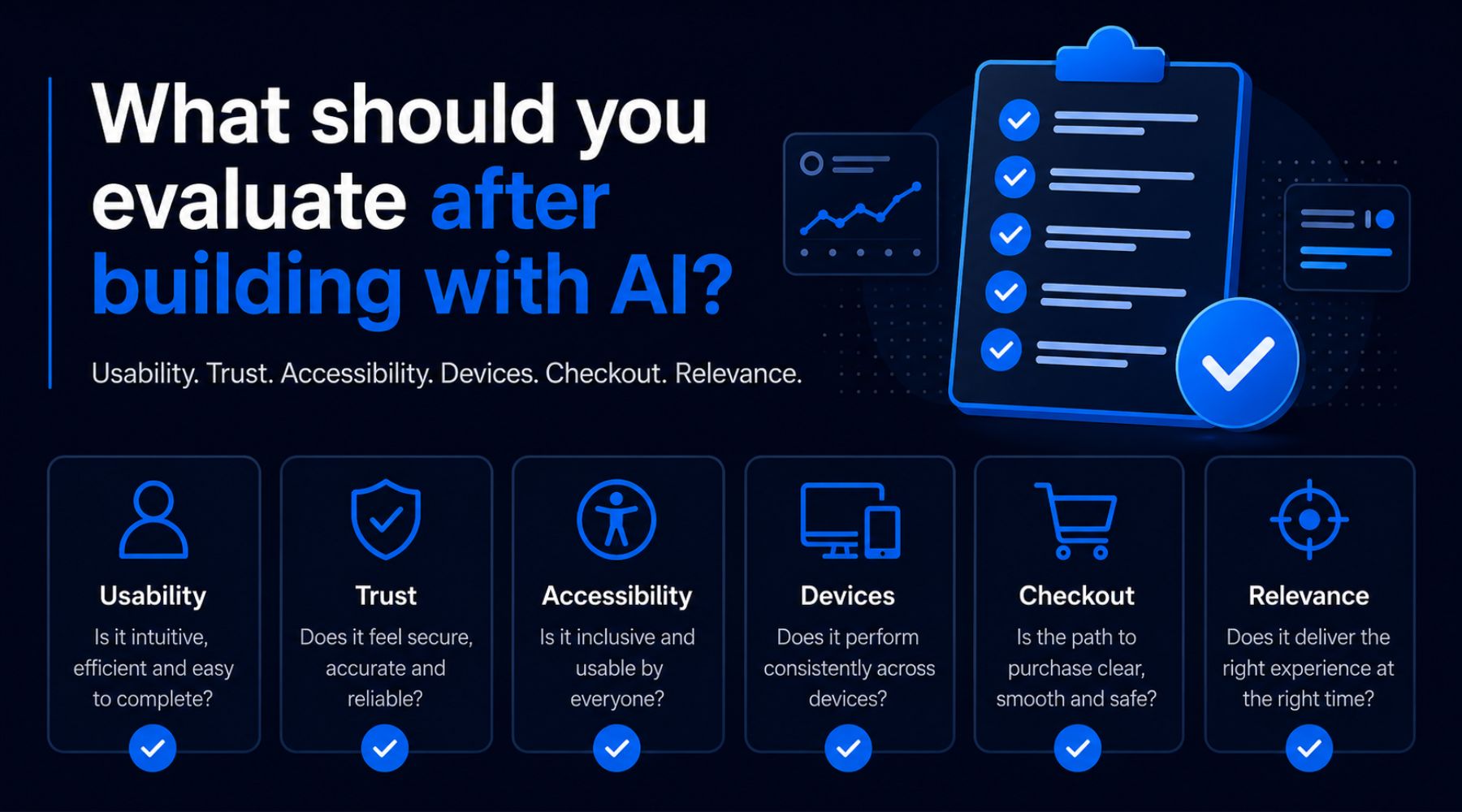
What should you evaluate after building with AI?
The answer is not to test everything endlessly. Most teams do not have the time, budget or patience for that!
The answer is to focus on the journeys that matter most to customers and to the business. If AI has helped create or change a digital experience, teams should be asking:
- Can customers understand what this page or journey is asking them to do?
- Can they complete the task without getting stuck?
- Does it work properly across the devices, browsers and environments customers actually use?
- Do the forms, filters, search, payment steps, account areas and calls to action behave as expected?
- Does the content answer the customer’s real question, or does it just sound polished?
- Does the experience create confidence at the moments where customers are making decisions?
- Can users with accessibility needs move through the journey seamlessly?
- Does the experience still make sense across different markets, languages, payment expectations or delivery contexts?
These are not abstract UX questions. They are commercial questions. If customers cannot find the right product, trust the recommendation, understand the next step, complete the form or move through checkout, that has a direct impact on performance.
Internal teams will not see everything customers see
Internal testing will always have a role. Automated checks, QA, developer review and analytics all matter.
But internal teams are close to the work. They understand what the journey is meant to do. They know the logic behind the content, the labels, the navigation and the decisions that were made along the way.
That is why real-user testing is still needed, particularly when AI has been used to speed up the creation or modification of the experience. Real users expose the gaps between what the business thinks it has built and what the customer actually experiences.
That gap is where many of the most useful findings sit.

Where Digivante fits
Digivante helps digital and ecommerce teams test websites, apps and customer journeys with real users, across real devices, browsers, locations and accessibility needs.
That becomes particularly relevant as businesses start using AI to build faster or introduce AI into the customer experience.
If a team has used AI to create a new landing page, update an ecommerce journey, generate product content, launch a chatbot, build a product finder or add an AI assistant, Digivante can help test whether that experience works in practice. Not just whether it functions technically, but whether customers can use it successfully.
That means identifying bugs, usability issues, accessibility barriers, confusing content, localisation problems, device-specific issues and conversion blockers before they affect customers at scale.
It also means helping teams understand whether AI is actually improving the journey, rather than simply adding another layer to it.
The businesses that benefit most from AI will still need human evidence
AI will continue to change how websites and digital experiences are built. That is not really in question.
The question is how businesses manage the risk that comes with moving faster.
Because the ability to build quickly is only valuable if the thing being built works for customers.
A website generated with AI still needs to be usable. An AI-powered journey still needs to be helpful. A faster launch still needs to be commercially safe.
The businesses that get this right will not be the ones that use AI for the sake of it. They will be the ones that use AI to move faster, then validate properly before customer experience and conversion are put at risk.
AI can help you build the experience. Real-user evaluation shows whether it works for customers.
If you’re building or adapting digital journeys with AI and want to understand how they perform with real users, speak to Digivante about JourneyEval AI.
Frequently Asked Questions
How do you test an AI-powered website after launch?
You should test it with real users to identify usability issues, incorrect outputs, and areas where the experience breaks down.
What is the best way to validate AI features?
The most effective approach combines automated validation with human testing to ensure both accuracy and usability.
Where can I find real users to test AI features?
Crowdtesting platforms provide access to global tester networks who can evaluate your AI features in real-world conditions.
Why is testing important after building with AI?
Even well-built AI systems can fail in real-world use, so testing ensures the experience works as expected before scaling.
How often should AI features be tested?
AI systems should be tested regularly, especially after updates or changes, to ensure performance remains consistent over time.