About University of Gloucestershire
University of Gloucestershire offers undergraduate, postgraduate, online, and professional study across a wide range of subject areas, with campuses in Cheltenham and Gloucester. Its digital channels help prospective students explore courses, student life, accommodation, applications, and other important information before making decisions about where to study.
For the university, that meant the digital prospectus needed to work reliably across the wide mix of phones, tablets, laptops, browsers, and operating systems prospective students might use.
The challenge
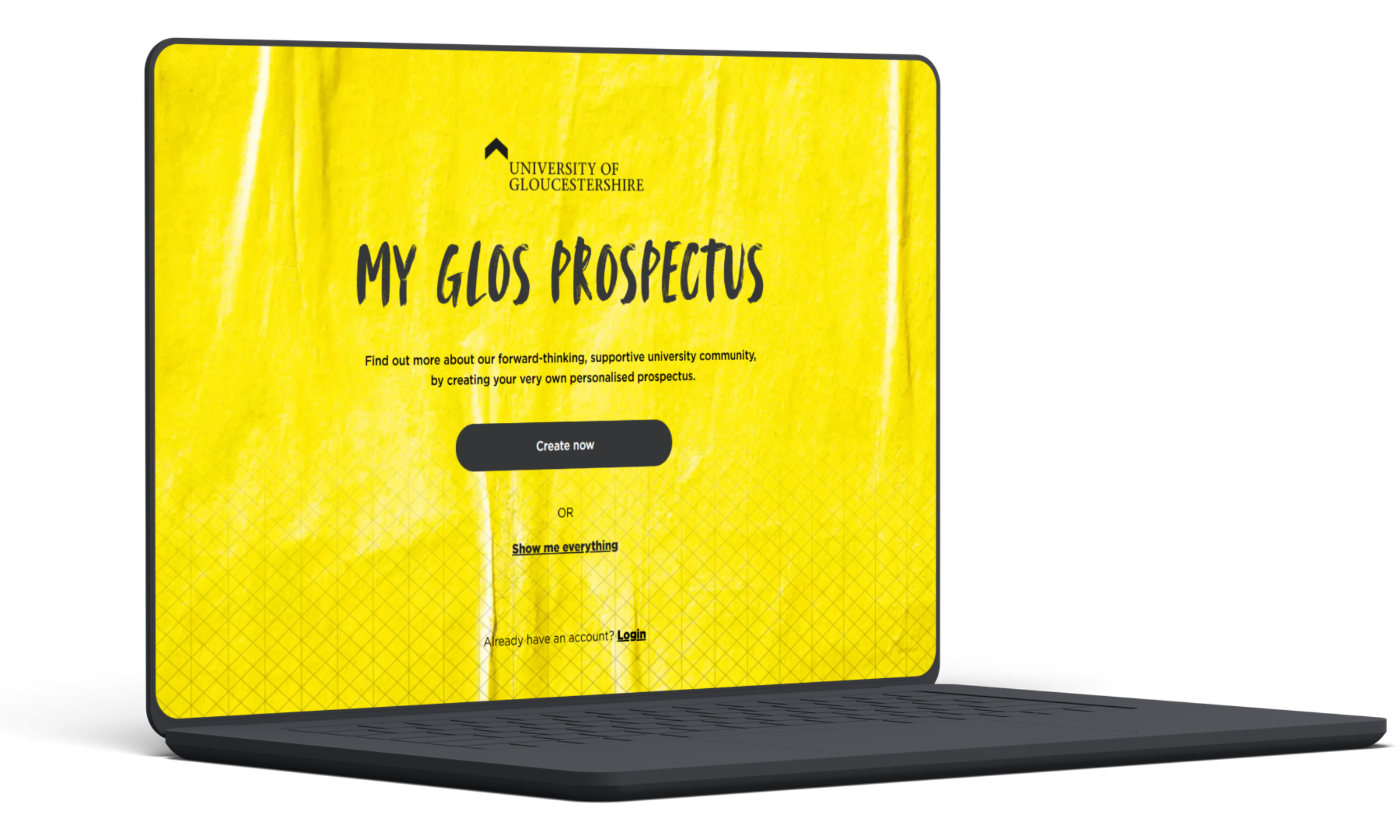
A prospective student may only give a university website one chance.
They could be comparing courses on a phone, researching accommodation on a tablet, or moving towards an application on a laptop. If an important page or journey doesn’t work properly on their device, they may simply move on.
University of Gloucestershire needed confidence that its digital prospectus worked beyond the small set of devices an internal team could realistically test themselves.
The challenge was to validate the experience across a broader, real-world mix of devices and browsers before student traffic increased.
Our solution
Digivante combined exploratory testing of the core prospective-student journeys with cross-browser and device testing across 20 device and browser combinations.
Testing covered:
- Course discovery: Helping students find relevant courses and information
- Search and navigation: Checking how easily users could move through the prospectus
- Content interaction: Validating important information and interactive elements
- Application pathways: Testing key steps towards applying or enquiring
- Device coverage: Mobile, tablet, and desktop experiences
- Browser compatibility: Multiple operating systems and browser versions
This gave the university a broader view of how the prospectus behaved on the devices students were likely to use in the real world.
The results
Digivante identified 76 issues across the digital prospectus.
These included UX inconsistencies, content presentation problems, browser compatibility defects, navigation challenges, and mobile responsiveness issues.
Four were classified as high severity, with the potential to stop a prospective student finding the information they needed or completing an important step in their journey on at least one of the tested devices.
The university could then prioritise the problems most likely to affect prospective students before the prospectus reached the higher traffic associated with student recruitment.
20
device and browser combinations tested
76
issues identified
4
high-severity defects
The takeaway
Your digital experience doesn’t only need to work on the devices your internal team happens to have available.
For University of Gloucestershire, testing across a broader mix of phones, tablets, desktops, operating systems, and browsers uncovered issues that could otherwise have affected prospective students at important points in their decision-making journey.
When users can arrive on almost any device, real-world coverage matters just as much as testing the journey itself.
FAQs
Why did University of Gloucestershire bring in Digivante?
The university wanted confidence that its digital prospectus worked across the devices and browsers prospective students actually use, rather than relying on a small number of internally available test devices.
What did Digivante test?
Testing covered course discovery, search, navigation, content interaction, and application pathways across mobile, tablet, and desktop devices using different operating systems and browser versions.
What did the testing find?
Digivante identified 76 issues, including four high-severity defects capable of disrupting important prospective-student journeys on at least one of the tested devices.
Why does device coverage matter for a university prospectus?
Prospective students can arrive using almost any phone, tablet, laptop, or browser. A problem affecting one common device can prevent someone finding a course, accessing important information, or completing a key step towards applying.